01
Upload a PDF or describe the topic
Drop in lecture notes, a paper, or a textbook chapter — or just type the idea that is confusing you. One line is enough to start.
 Hi AI Tutor — turn any topic, your notes or a PDF into an interactive lesson
Generative Learning in Multi-Agent Interactive Classroom

Real courses, generated here — no account needed to look around.
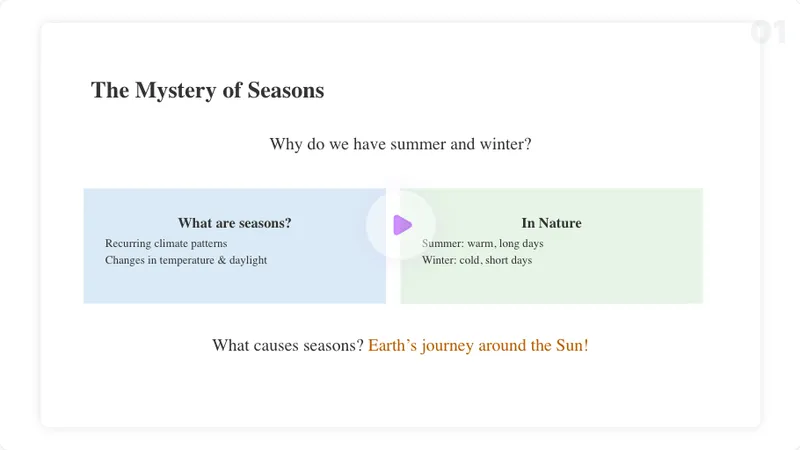 Why do seasons change?Earth's tilt, sunlight, and the two words everyone mixes up — with a model you can point at.Science · 4 scenes
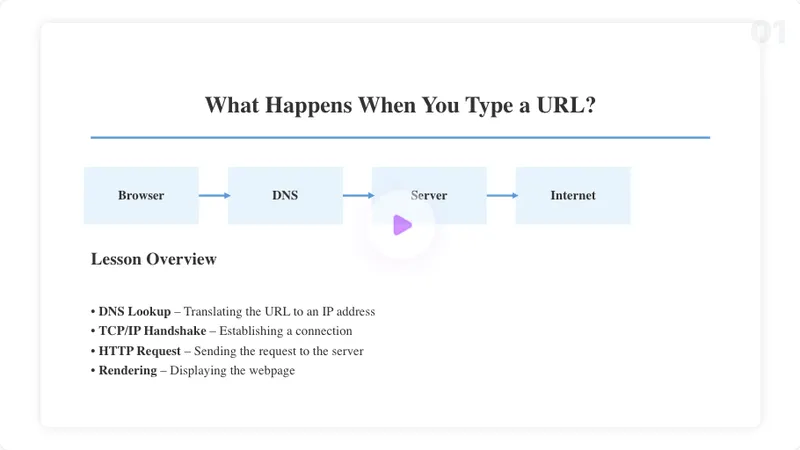 How does a browser load a page?DNS, packets and servers, walked through one request at a time.Computing · 5 scenes
 A journey along the Silk RoadWhat actually moved along it: goods, faith, paper — and the routes on a map.History · 6 scenes
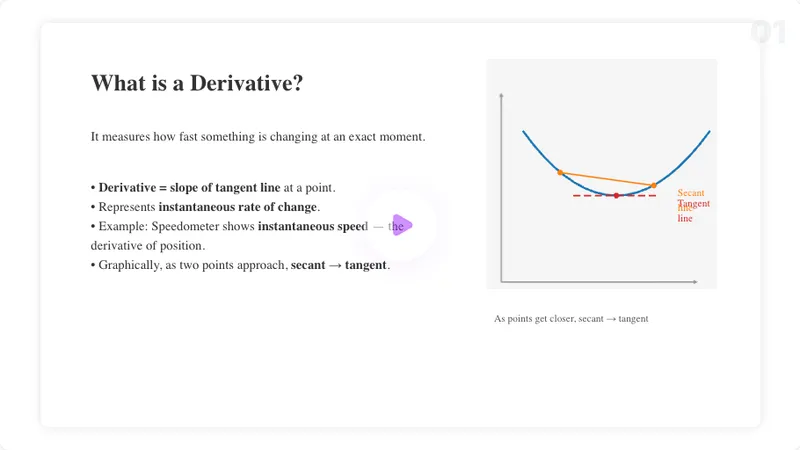 What does a derivative actually mean?Slope, not formula: a tangent line that moves, then two worked examples.Mathematics · 5 scenes
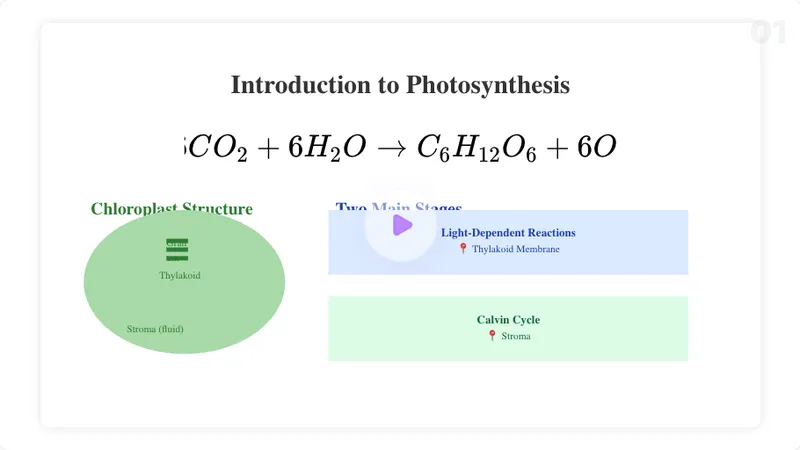 How a plant turns light into foodLight reactions and the Calvin cycle, with a diagram you can label.Biology · 5 scenes
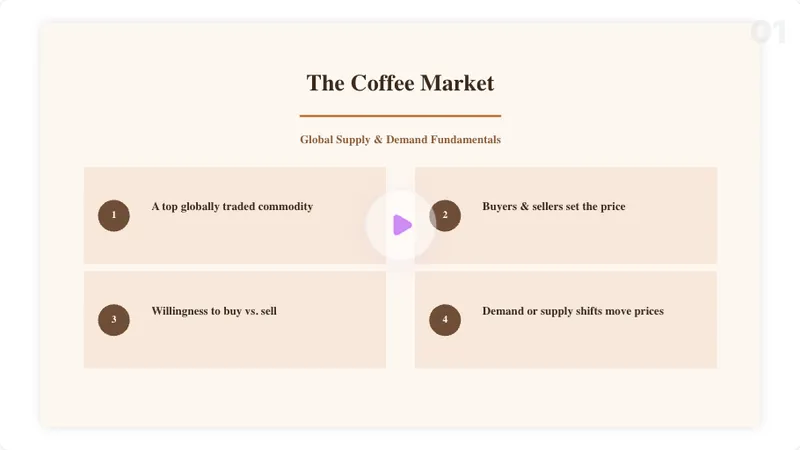 Why do coffee prices swing?Supply, demand, and one shift-the-curve activity on a market you buy from.Economics · 5 scenes
HI AI TUTOR
Your AI tutor for anything you want to understand.
Hi AI Tutor turns a question, a topic, or your course materials into a guided learning experience. Learners move through explanations, visuals, checks for understanding, and interactive activities in one classroom.
Start from a prompt or upload a PDF and other learning materials. Review the generated course, adjust its slides and activities, then share it with your class. Write the request in the language you want the lesson in.
See it
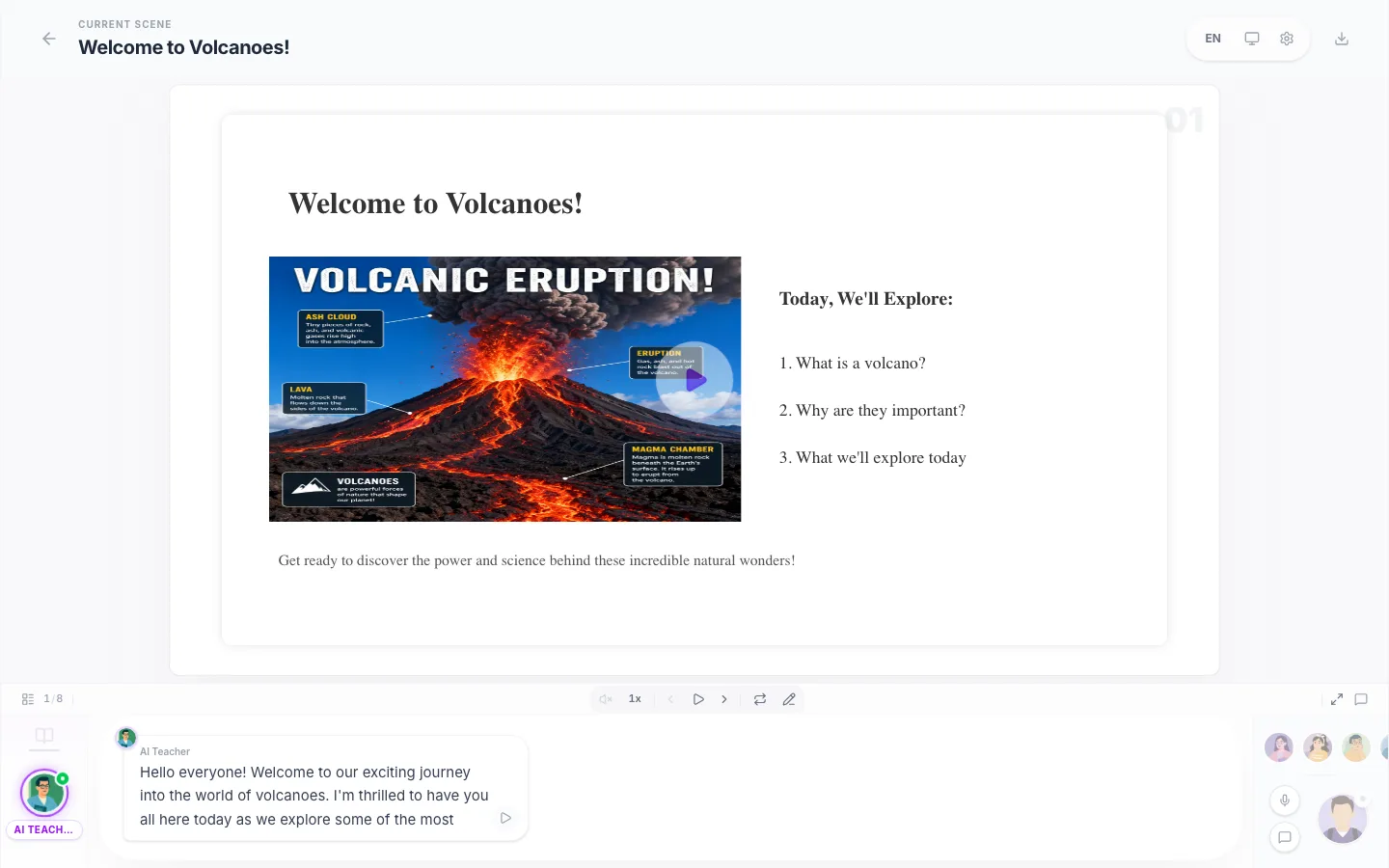
This is a real lesson generated from one sentence. The tutor explains the idea through narrated slides, purpose-built visuals, and classmates who ask the questions you might be thinking. Every scene was sequenced, written, illustrated, and voiced automatically.
Not a mock-up: the screenshot shows the player, the scene counter, the narration controls and the teacher caption exactly as a learner sees them.
Interactive
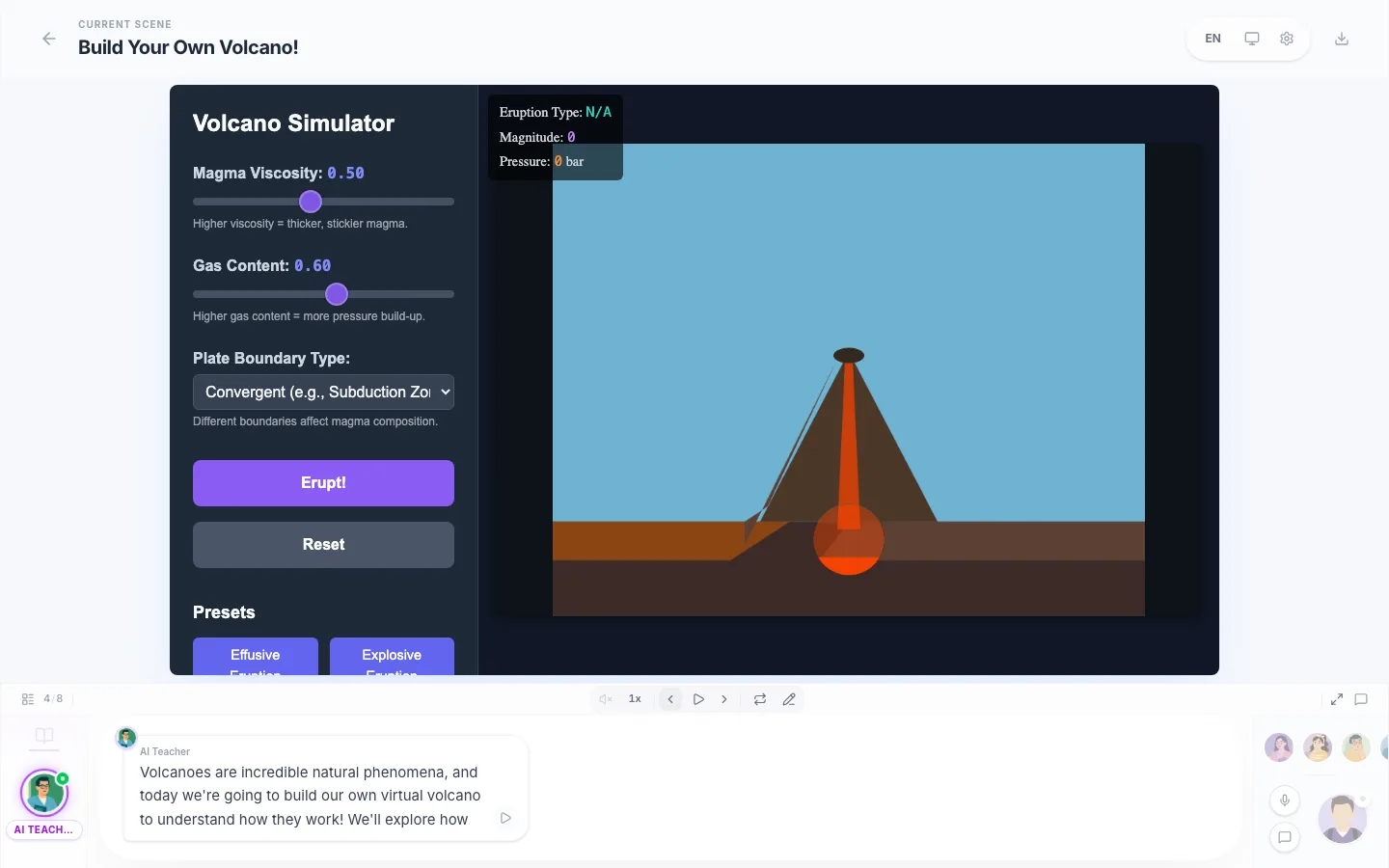
When a topic is easier to learn by doing, the lesson includes an interactive scene: controls, presets and live visuals you can move. This volcano builder was generated as scene 4 of the same lesson.
Inside a lesson
Everything below came from a single generation of the same lesson.
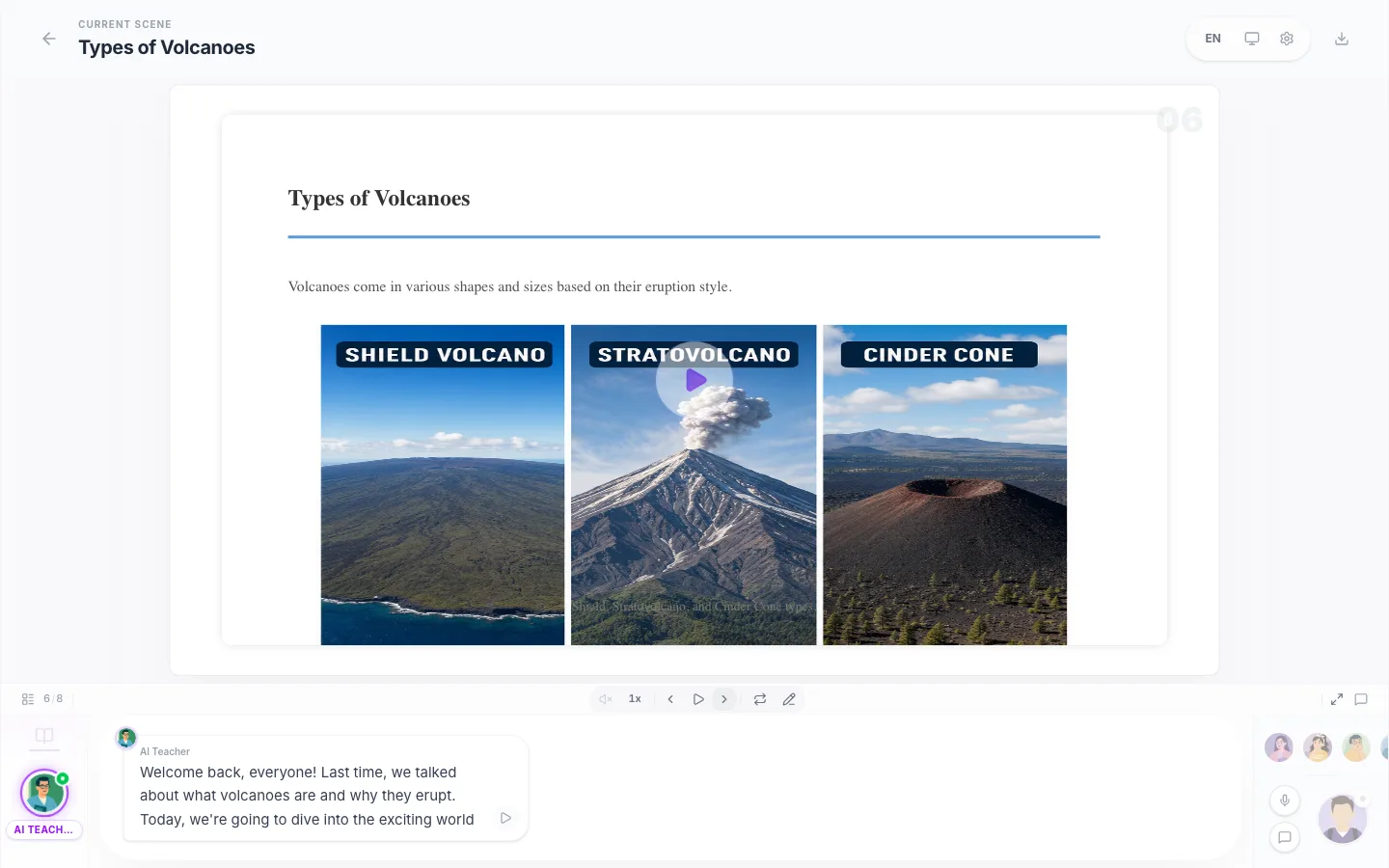
Photos and diagrams generated to match the material, not stock images.
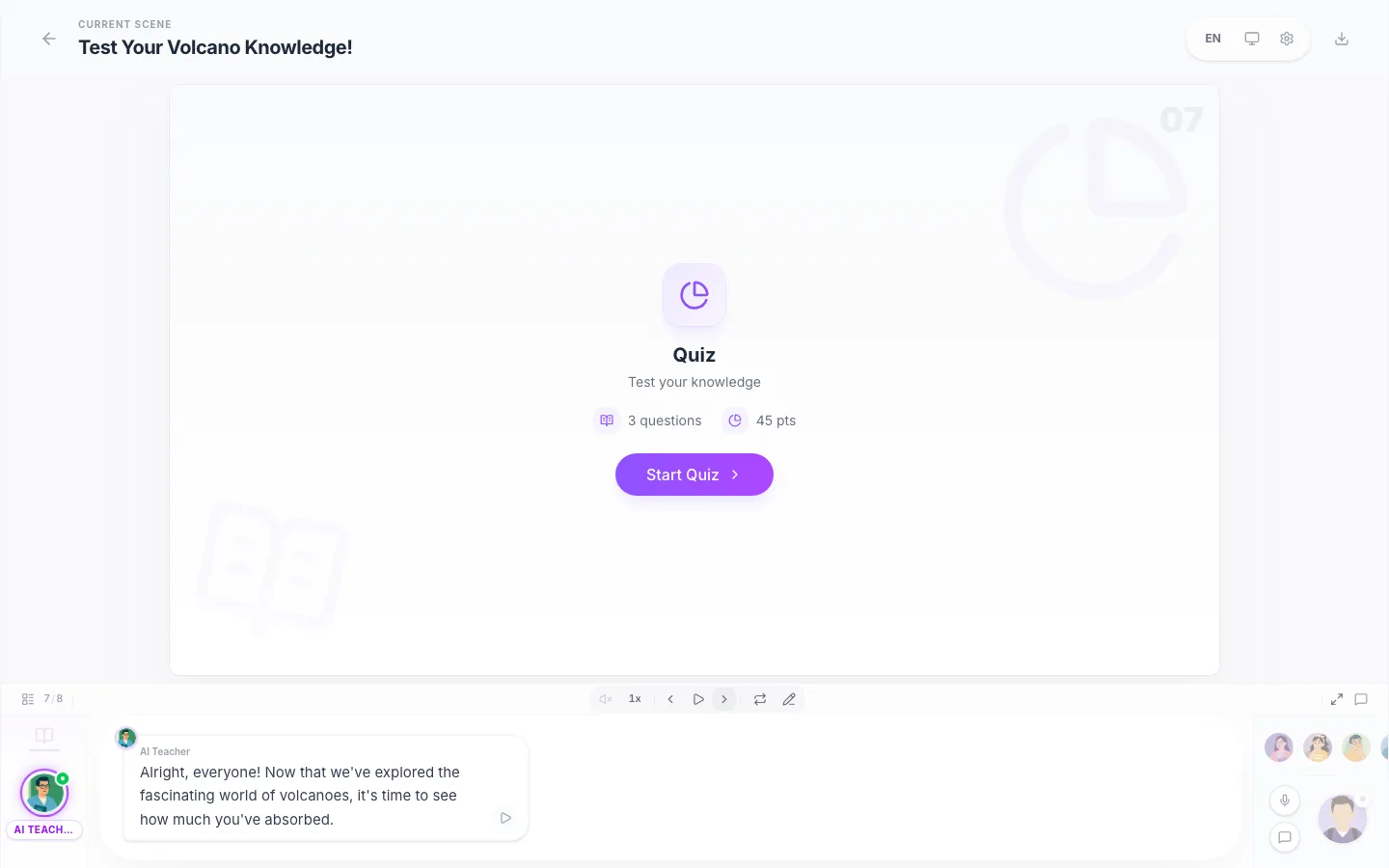
Comprehension checks written from your material, scored the moment you answer.
Interactive moments, built into the lesson where the topic calls for them.
Rendered live on this page
The slide below is rendered by the player’s own canvas, and the quiz is graded by the player’s own grading code. Nothing is a screenshot here, and nothing leaves your browser.
Try two questions
Graded by the lesson player, locally
Free tools
Make a quiz, flashcards, or a study guide first. When you want the full explanation, turn the same material into a narrated interactive lesson.
Self-grading quizzes with explanations, from a PDF or a topic.
OpenTurn notes or a chapter into a deck you can drill.
OpenCondense any material into a structured study guide.
OpenA ready-to-teach lesson plan from one topic line.
OpenBuild a multi-lesson course around your material.
OpenDrop a PDF, get a graded quiz from its actual content.
OpenWhy Hi AI Tutor
Chatbots give you another block of text. Hi AI Tutor teaches the idea across narrated scenes, checks your understanding, and gives you something interactive when the topic calls for it.
01
Every scene comes with narration, so you can listen and follow instead of decoding another long answer.
02
Comprehension checks are generated from your material and scored instantly, with an explanation for every wrong answer.
03
Charts, diagrams and interactive moments appear where they make an abstract idea easier to understand.
04
Open the lesson as a classroom your class can follow, or regenerate any scene you want explained differently.
05
Use lecture notes, a textbook chapter, a paper, or just a question. The lesson stays grounded in what you provide.
Tell your AI tutor what you want to understand, follow the explanation, then prove it to yourself with practice.
01
Drop in lecture notes, a paper, or a textbook chapter — or just type the idea that is confusing you. One line is enough to start.
02
The outline appears first, then each scene fills in: narrated slides, a quiz, and interactive moments where the topic calls for them.
03
Follow the lesson with narration, retake the quiz until it sticks, or regenerate the scene you want said another way.
Who it is for
Start from the same simple input — a question, topic, or PDF — and ask for the depth, pace, and practice that fit your goal.
Turn the chapter you do not understand into a guided explanation, then repeat the quiz until it sticks.
Go from a passing question to a visual, narrated lesson without searching through ten disconnected pages.
Build a lesson from your notes, find the weak points with graded questions, and revisit only what needs work.
Break down a technical paper, a certification chapter, or an unfamiliar work concept at the level you need.
Turn source material into a reusable narrated lesson with visuals and a built-in comprehension check.
What you get
One generation produces a complete, self-running class — not a summary you still have to turn into one.
Credits when you sign up
100
2 full lessons, with narration and visuals, before you pay anything.
Credits a full lesson costs
50
Charged once when the lesson starts; 50 credits per lesson on every plan.
Free credits every month
50
Added to the free plan on the first visit of each month, no card needed.
Credits
A new account starts with 100 credits, which is 2 full lessons. The free plan adds 50 credits every month. No card is needed to start.
A full lesson costs 50 credits, or 50 on the Basic plan. Credits are charged once, when a lesson starts — a retried or resumed lesson is not charged again, and a lesson that produces nothing returns its credits.
See plans and pricesFAQ
Short answers to what people ask most. Anything else, email support@hiaitutor.com.
An AI tutor that turns your question, topic, notes or PDF into a complete interactive lesson: narrated slides, visuals, self-grading quizzes and interactive scenes where they help.
Summary tools compress your material into more text. Hi AI Tutor sequences it into scenes, explains each step aloud, builds the quiz, and adds visuals. You follow a lesson instead of reading another answer block.
A chat answer arrives as one block of text and stays in the chat. Here the same question becomes a lesson you can play: slides, narration, a graded quiz and interactive scenes, saved to your account and openable on any device.
A sequence of scenes that build the idea up in order: narrated slides, one or more quiz checkpoints scored instantly with explanations, and an interactive visual when the topic is easier to see than to read. You can regenerate or edit any scene.
Yes. Upload the chapter, the lecture slides or the report, and the lesson is built from that content rather than from general knowledge.
A new account starts with 100 credits — 2 full lessons with narration and visuals — and the free plan adds 50 credits every month. No credit card.
A lesson costs 50 credits on every plan, charged once when it starts. Paid plans from 8.99 USD a month buy 800 credits.
Write your request in the language you want, and the lesson is written in it. If the request does not name a language, the account default is used.
Yes. Every scene can be edited or regenerated before you present it or share it.
Credits are charged once, when a lesson starts. If a lesson ends without producing anything, its credits are returned to the account automatically.
Start free
New accounts start with 100 credits — 2 complete lessons with narration, visuals and a quiz. No credit card. Keep everything you make.